
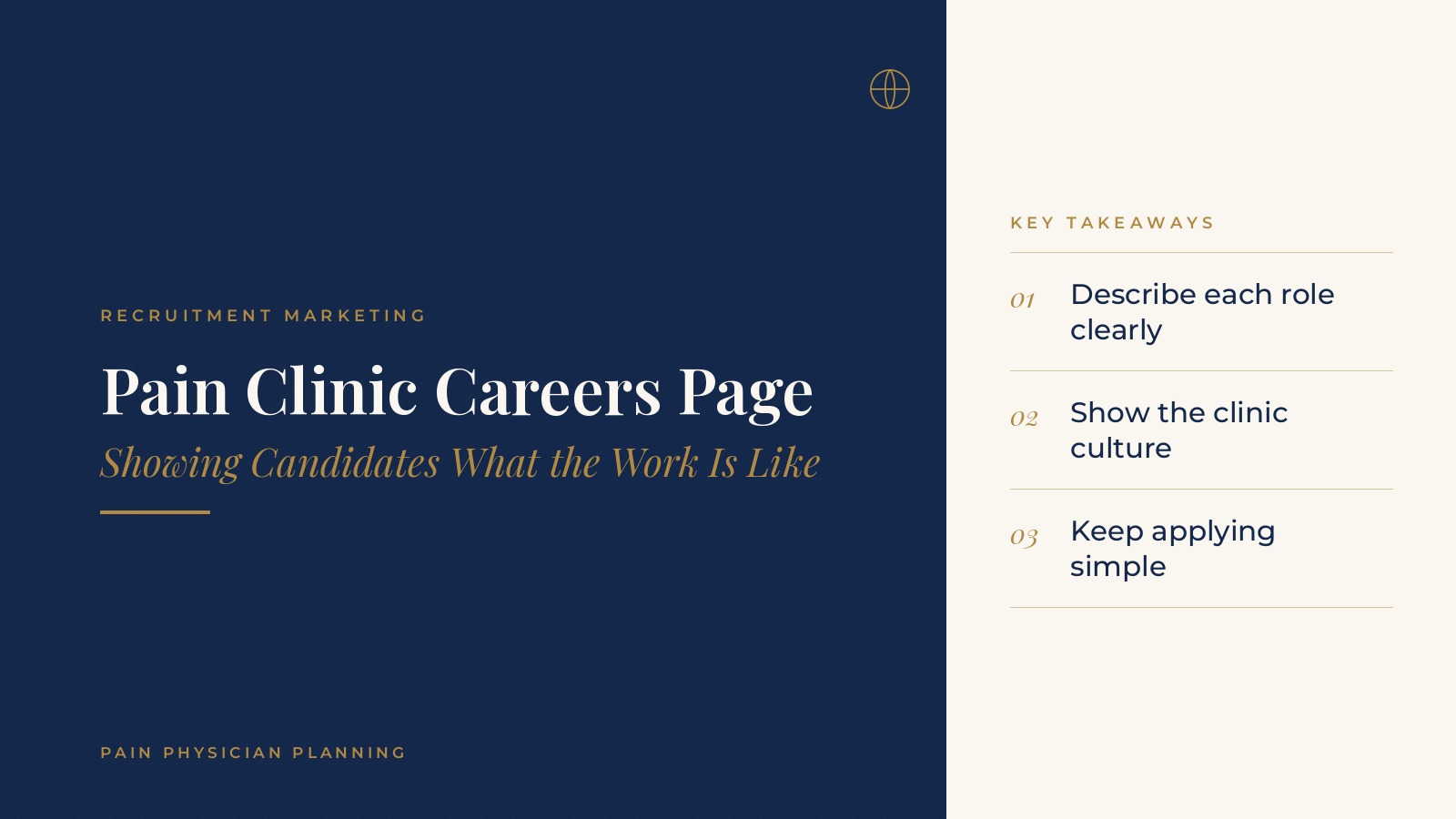
Pain Clinic Careers Page | Showing Candidates What the Work Is Like
A pain clinic careers page is the section of a clinic website that describes open roles, the work environment and how to apply. It gives physicians, nurses, medical assistants and front desk candidates a clear picture of the clinic before they ever send a resume. In short, a pain clinic careers page works best when it describes each role in plain language, shows what daily work looks like, keeps the application short and lists only current openings. A monthly review keeps the page accurate and keeps candidates from applying for roles that are already filled. This resource from Pain Physician Planning explains what candidates tend to look for, how careers pages are commonly structured, how job listings appear in search and the questions practices bring to a website or marketing professional.
Key takeaways
- Describe each role in plain language.
- Show what a normal workday looks like.
- Keep the application short and mobile friendly.
- List only openings that are currently available.
- Review the page at least once a month.
Why a pain clinic careers page matters
Candidates research before they apply
Clinical and administrative candidates often visit a clinic website before deciding whether to apply. A careers page that answers their first questions about roles, schedules and the team makes that decision easier.
Job boards send people to the website
Even when a role is posted on a job board, many candidates click through to the clinic website to learn more. A page that matches the job board listing builds confidence that the role is real and current.
It reflects the whole clinic
The careers page is often the only place a candidate sees how the clinic describes itself as a workplace. Clear, specific wording shows the same care a patient would expect at a visit.
What candidates look for on a careers page
Clear role descriptions
Each listing should state the title, location, schedule type and main duties. Short bullet lists for duties and requirements are easier to scan than long paragraphs.
A sense of the daily routine
Candidates want to know what a normal day looks like. A short description of clinic hours, procedure days, team huddles and how work is shared answers that question without overselling.
The people they will work with
A brief introduction to the departments, such as the front desk, clinical staff and billing team, helps candidates picture where they fit. The guide to pain clinic physician bio pages covers how physician profiles are written, and the same plain style works for the careers section.
Pain Physician Planning can introduce you to independent digital marketing and website professionals who work with pain management practices on careers pages, job listings and recruitment content on the clinic website. To request an introduction, contact us or call or text (972) 616-4581. You can also read about pain clinic website design.
How to structure a pain clinic careers page
A short welcome section
The top of the page can explain in two or three sentences what the clinic does, where it is located and what kinds of roles it usually hires for.
Open roles in one list
A simple list of current openings, each linking to its own listing, keeps the page tidy. When there are no openings, a short note inviting candidates to check back is better than an outdated listing.
Working at the clinic
A section describing the work environment, training, team meetings and the layout of the space gives candidates useful context. Images of the clinic space, with no patients shown, can support this section.
One clear next step
Every listing should end with a single button or link to apply. The guide to pain management website design explains how menus and buttons guide visitors to the right page.
Writing job listings that are easy to read
Use plain titles
Titles that match what candidates search for, such as Medical Assistant or Front Desk Coordinator, are easier to find than internal job names.
Keep each listing focused
A good listing covers the role summary, main duties, required skills, schedule and location. Extra detail can be shared during interviews.
Use consistent formatting
When every listing follows the same order, candidates can compare roles quickly and the clinic can update listings without rewriting the whole page.
Avoid vague claims
Specific, accurate descriptions of the work build more trust than general statements. Candidates notice when a listing reads like every other listing they have seen.
Application steps and follow-up
A short application form
Many clinics ask only for contact details, the role of interest and a resume upload at first. Shorter forms are easier to complete on a phone, where many candidates apply.
A confirmation message
An automatic confirmation that the application arrived, with a note about what happens next, keeps candidates informed and reduces follow-up calls to the front desk.
A named owner for applications
One person at the clinic, often the practice administrator, reviews new applications on a set schedule so that candidates hear back in a reasonable time. The guide to the pain clinic front desk describes how front desk roles are organized, which helps when writing those listings.
Careers pages and search visibility
Job listing markup
Search engines can read structured job listing details, such as title, location and date posted, when listings are marked up correctly. A website professional can set this up and confirm that expired listings are removed.
Matching job board listings
Keeping the wording on the clinic website consistent with job board listings helps candidates recognize the same role across sites.
Linking from other pages
A link to the careers page in the site footer and on the about page helps visitors find it. The guide to pain management social media covers how social channels can share new openings.
Questions to ask a website professional
Planning questions
- How will open roles be added, edited and removed from the careers page?
- Will each listing have its own page and job listing markup?
- How will applications be delivered and who receives them?
- How will visits and applications from the careers page be reported?
- Who reviews the page each month to remove filled roles?
Keep access in the clinic's name
Many practices ask that the website and any application tools be set up under the clinic's own login, with the website professional added as a user. That keeps the history with the practice if the working relationship changes.
Frequently asked questions
What is a pain clinic careers page?
It is the section of a clinic website that lists open roles, describes the work environment and explains how to apply, for clinical and administrative candidates.
What should a careers page include?
Most include a short welcome, a list of current openings, a description of what it is like to work at the clinic, clear role listings and a simple way to apply.
How often should a careers page be updated?
Many clinics review it at least once a month and remove a listing as soon as the role is filled, so candidates only see current openings.
Should job listings appear on the clinic website and job boards?
Many clinics post in both places and keep the wording consistent, so candidates who click through from a job board find the same role on the clinic website.
Can a careers page help a listing show in search?
Listings with clear titles, locations and correct job listing markup can be read by search engines, which can help them appear when candidates search for roles.
Request an introduction
Pain Physician Planning can introduce you to independent digital marketing and website professionals who work with pain management practices on careers pages, job listings and website content planning. Learn more about pain clinic website design, then take the short Pain Physician Planning Marketing & SEO survey and request an introduction. You can also call or text (972) 616-4581, or contact us. The form goes to [email protected].