


Pain Clinic Waiting Room | Comfort, Wait Times and Status Updates
A pain clinic waiting room is the first space patients spend time in, and for people living with pain, the chairs, the layout and how the team shares wait time updates can shape the whole visit. A thoughtful waiting area keeps patients comfortable, keeps check-in moving and cuts down on repeated questions at the front desk.
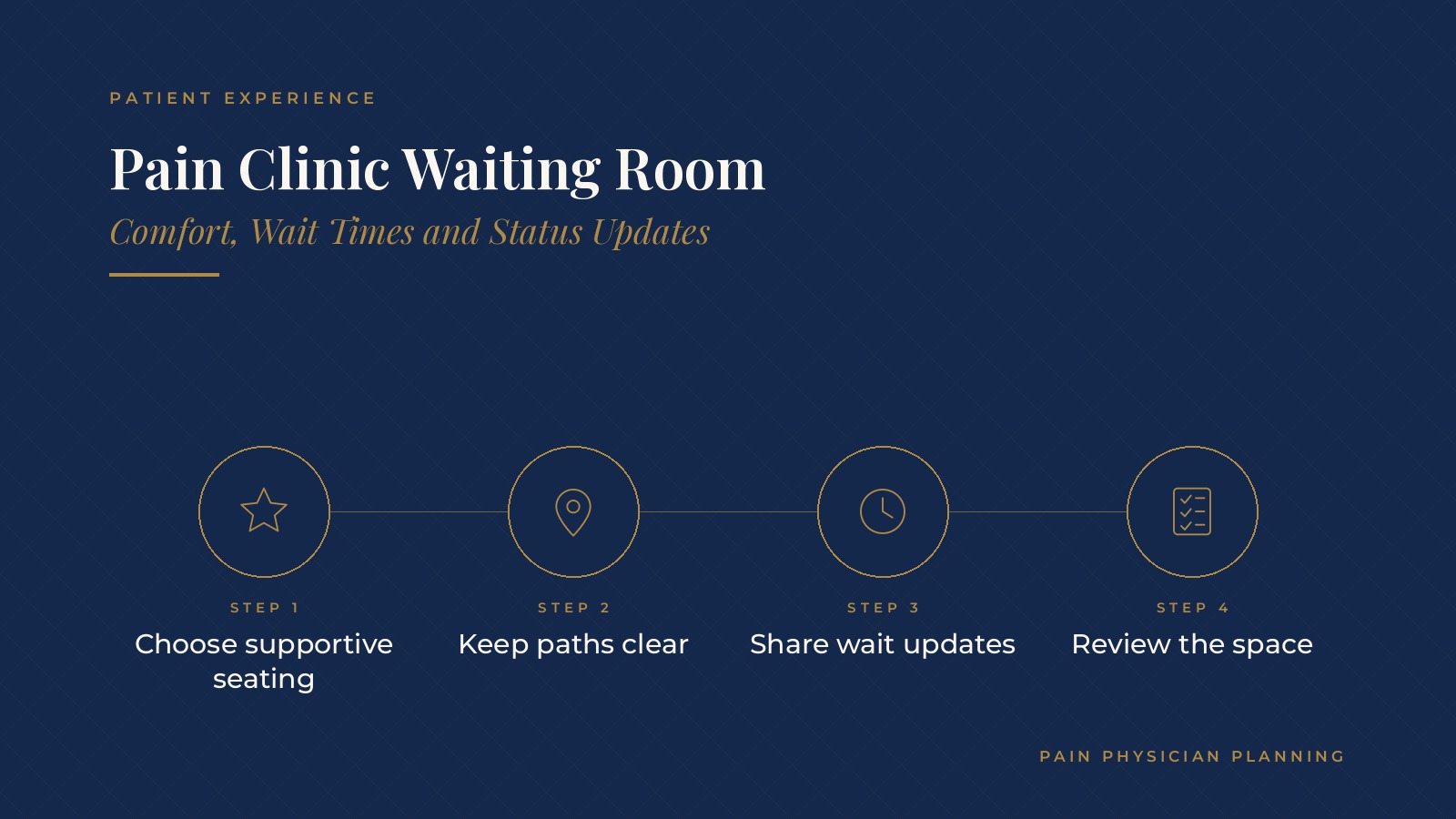
In short, a pain clinic waiting room tends to work best when it offers supportive seating at several heights, clear paths and signs, a smooth check-in point, honest wait time updates and a team that reviews the space on a regular schedule.
This resource from Pain Physician Planning explains seating and comfort, layout and wayfinding, check-in flow, wait time communication, staff roles, upkeep and the questions practices often bring to an operations professional.
Key takeaways
- Offer seating at several heights.
- Keep walking paths wide and clear.
- Share honest wait time updates.
- Assign clear waiting room roles.
- Review the space on a set schedule.
Why the pain clinic waiting room matters
A first impression that lasts
Patients often arrive tired, stiff or uncomfortable. A calm, well planned space sets a steady tone before they ever reach an exam room.
Comfort affects the whole visit
Sitting in a hard, low chair for a long stretch can make the rest of the visit harder. Small comfort choices can make a real difference for people with back, hip or nerve pain.
Fewer questions at the desk
When patients can see where to go and roughly how long they will wait, fewer of them line up at the front desk to ask. The pain clinic front desk guide covers check-in and phones in more depth.
Seating and comfort for patients in pain
Chairs at several heights
Many clinics mix standard chairs with higher seats and chairs that have firm arms, so patients can sit and stand with less strain.
Room to stand or shift
Some patients are more comfortable standing or changing position. A clear area near a wall or a high counter gives them a place to wait without blocking paths.
Temperature, light and sound
Steady temperature, soft lighting and low background sound help a busy room feel calmer. Loud televisions or bright overhead lights can wear on patients who already feel unwell.
Space for companions and mobility aids
Room beside chairs for walkers, canes and wheelchairs, plus seats for family members or drivers, keeps the area from feeling crowded.
Pain Physician Planning can introduce you to independent practice operations professionals who work with pain management practices on waiting room planning, patient flow and front desk routines. To request an introduction, contact us or call or text (972) 616-4581. You can also read about pain management practice operations.
Layout and wayfinding
A clear path from the door
Patients usually look for the check-in point first. A straight, open path from the entrance to the desk, with nothing in the way, helps people with limited mobility.
Simple signs
Short, large signs for check-in, restrooms and where to wait after check-in reduce wrong turns. Many clinics test signs by walking the route as a first-time patient would.
Separate spots for each step
Some clinics mark one area for patients who have checked in and are waiting, and another near the hallway for patients about to be called back.
Planning with the whole floor
The waiting room works with the hallways and exam rooms behind it. The pain clinic layout guide covers how the full floor plan supports patient flow.
Check-in flow that keeps the room moving
Forms before arrival
When patients complete forms before the visit, check-in is shorter and the waiting room stays less crowded. The pain clinic patient intake guide covers that process.
A steady check-in point
A dedicated check-in station, with a backup plan when lines form, keeps arrivals from stacking up at the busiest times.
Kiosks and tablets
Some clinics use tablets or kiosks for arrival steps. Many keep a staff member nearby to help anyone who would rather check in with a person.
Wait time updates and status communication
Honest estimates
Patients tend to handle a delay better when they know about it. A short, calm update from staff when the schedule runs behind often prevents frustration.
Regular check-ins
Many clinics set a simple rule, such as a staff member checking in with anyone who has waited past a set time, so no one feels forgotten.
Text updates
Some clinics send a text when a room is ready or when a delay is expected, so patients can wait in their car or step outside. The pain clinic patient texting guide explains how two-way messaging is often set up.
Explaining procedure days
On days with procedures, wait times can shift. A short note at check-in about how the day may run helps patients plan.
Pain clinic waiting room roles and upkeep
Who watches the room
Many clinics assign one person per shift to keep an eye on the waiting room, greet arrivals, share updates and notice anyone who needs help.
A daily walk-through
A quick look at the start and middle of the day catches spills, clutter, broken chairs or a dim light before patients notice them.
Cleaning routines
A written cleaning routine for chairs, counters, door handles and tablets keeps the space consistent across shifts.
Gathering feedback
Short patient surveys and staff notes often point to small changes, such as moving a chair, adding a sign or adjusting the room temperature.
Questions practices bring to an operations professional
Common planning questions
- Does the current seating suit patients with different kinds of pain?
- Where do lines form, and at what times of day?
- How are wait time updates shared, and by whom?
- How often is the space reviewed, and what changes after each review?
Testing changes
Many practices try one change at a time, such as new chairs in one corner or a new text update, and ask staff and patients how it works before changing more.
Writing it down
A short written guide for the waiting room, kept with other front desk routines, helps new staff learn what good looks like.
Frequently asked questions
What makes a good pain clinic waiting room?
Supportive seating at several heights, clear paths and signs, a smooth check-in point and honest wait time updates are common features.
What seating works for patients in pain?
Many clinics mix standard chairs with higher seats and chairs with firm arms so patients can sit and stand with less strain.
How can clinics share wait times?
Common options include short updates from staff, regular check-ins after a set wait and text messages when a room is ready.
Who manages the waiting room?
Many clinics assign one staff member per shift to greet arrivals, share updates and keep the space tidy.
How often should the waiting room be reviewed?
Many clinics do a quick daily walk-through and a fuller review every few months using staff notes and patient surveys.
Request an introduction
Pain Physician Planning can introduce you to independent practice operations professionals who work with pain management practices on waiting room planning, check-in flow and patient experience. Learn more about pain management practice operations, then take the short Pain Physician Planning Business survey and request an introduction. You can also call or text (972) 616-4581, or contact us. The form goes to [email protected].



