


Pain Clinic WiFi Network | Staff, Guest and Device Access Planning
A pain clinic WiFi network connects the computers, tablets, phones, printers and procedure room equipment that the team relies on every clinic day. When the network is planned well, staff barely notice it. When it is not, check-in slows, video visits drop and printers go offline at the worst moment.
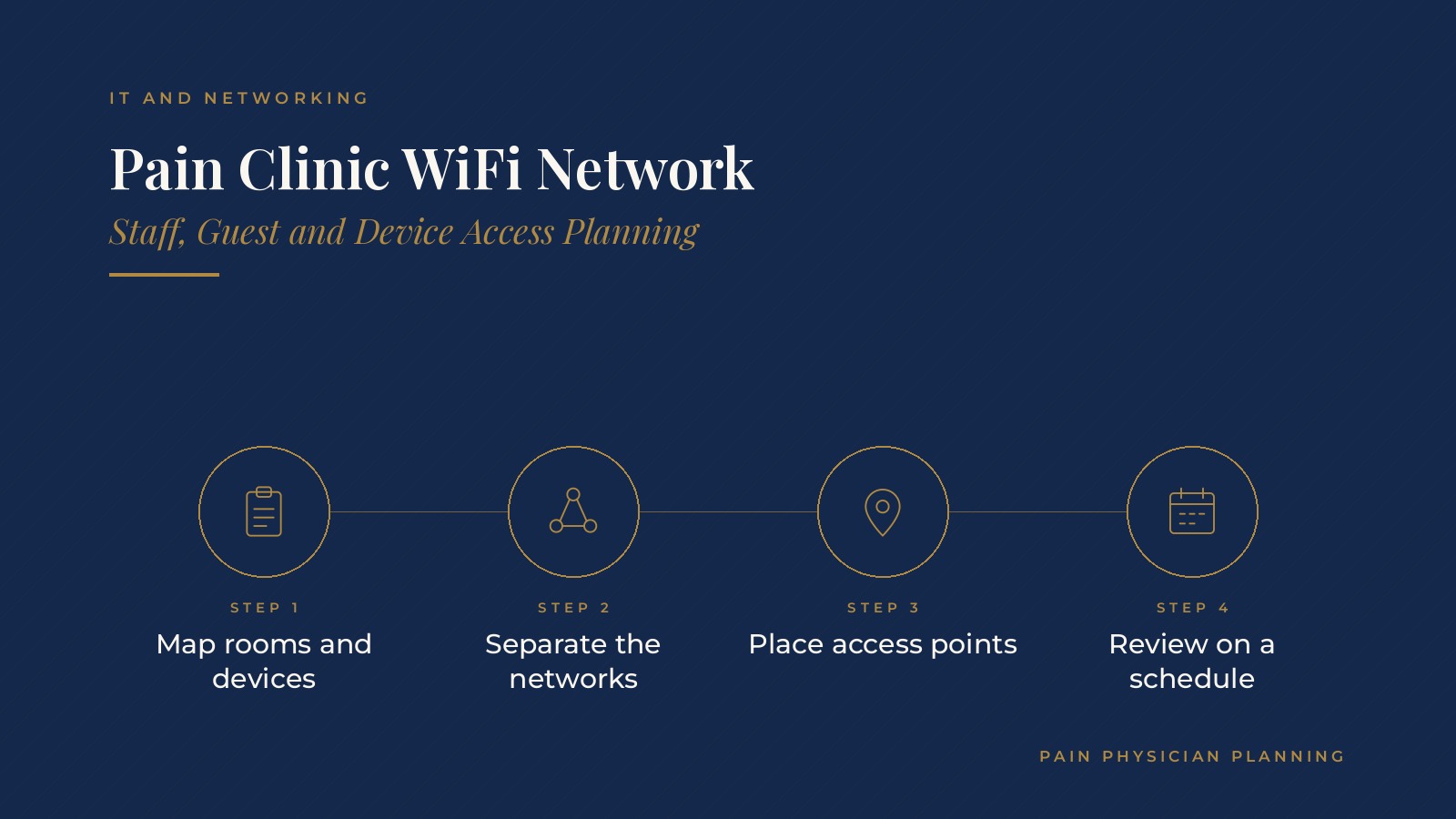
In short, a pain clinic WiFi network tends to run smoothly when the clinic maps every room and device first, separates staff, guest and device traffic onto their own networks, places access points for full coverage, keeps equipment updated and has an IT professional review the setup on a regular schedule.
This resource from Pain Physician Planning explains how clinics usually plan coverage, separate networks, support clinical devices and handle upkeep, plus the questions practices often bring to an IT professional.
Key takeaways
- Map every room and device before buying equipment.
- Keep staff, guest and device networks separate.
- Place access points for full room coverage.
- Keep network equipment updated and documented.
- Review the setup with an IT professional regularly.
Why a pain clinic WiFi network matters on clinic days
Every station depends on it
Check-in tablets, workstations on wheels, the scheduling system, phones and label printers all use the network. A weak signal in one hallway can slow the whole patient flow.
Procedure days add load
Procedure rooms often run imaging displays, monitors and charting at the same time. Planning for those busy hours keeps the network steady when it matters most.
Video visits need a stable link
Telehealth calls drop quickly on a crowded network. The pain clinic telehealth video setup guide covers rooms and equipment for video visits.
Mapping rooms and devices first
A simple room list
Many clinics start with a floor plan that marks the front desk, exam rooms, procedure rooms, offices, break room and waiting area. Each area gets a note on how many devices it uses.
A device inventory
Listing every computer, tablet, phone, printer and connected clinical device shows how much traffic the network carries. It also makes it easier to spot old equipment that may need a refresh.
Planning for growth
A new provider, an added exam room or a second location changes the plan. Clinics often leave room in the design so the network can grow without a full rebuild.
Talking to the people who use it
Front desk staff, medical assistants and physicians often know exactly where the signal drops. A short conversation with each group before the IT professional visits can save time during the site survey.
Pain Physician Planning can introduce you to independent IT and networking professionals who work with pain management practices on office networks, WiFi planning and device setup. To request an introduction, contact us or call or text (972) 616-4581. You can also read about IT and networking for pain clinics.
Separating staff, guest and device networks
A staff network
The staff network carries the scheduling system, charting and shared files. Access is usually limited to clinic-owned devices set up by the IT professional.
A guest network
Patients and visitors often want WiFi in the waiting room. A separate guest network keeps their phones apart from clinic systems and can be limited to basic internet use.
Clear names for each network
Plain network names, such as one for staff and one for guests, cut down on front desk questions and keep patients from trying to join the wrong network.
A device network
Printers, smart TVs and some clinical equipment often sit on their own network segment. Keeping them apart from staff computers is a common way to contain problems. The pain clinic cybersecurity basics guide covers related habits such as passwords and updates.
Coverage and access point placement
Walls and equipment block signals
Lead-lined imaging rooms, thick walls and metal cabinets weaken WiFi. A site survey by an IT professional shows where signals drop and where access points belong.
Ceiling access points over a single router
Most clinics use several business-grade access points mounted on ceilings rather than one consumer router. Each one covers a section of the office with overlapping coverage.
Wired connections where they help
Fixed workstations, phones and printers often connect by cable, which keeps the WiFi open for mobile devices and tablets.
Internet service and backup connections
A primary internet line
The clinic's internet service sets the ceiling for everything else. Many offices choose a business connection with support response times written into the service agreement.
A backup connection
A second line or a cellular backup can keep phones and cloud systems working if the main line goes down. The pain clinic data backup guide covers related planning for outages.
Phones on the same network
Internet phone systems share the network with everything else, so many clinics set call traffic to take priority during busy hours.
Checking speed at peak times
Some clinics run a quick speed check during the busiest hour of a procedure day. Comparing that number with the service plan shows whether the line still fits the way the clinic works.
Upkeep, updates and documentation
Firmware and equipment updates
Access points, firewalls and switches receive updates from their makers. An IT professional usually schedules these after hours so clinic days are not disrupted.
Password changes for guest WiFi
Some clinics change the guest WiFi password on a set schedule and post the current one at the front desk.
A written network map
A simple document listing equipment, locations, logins held by the IT professional and support contacts saves time when something breaks. A managed IT provider can explain how pain clinic managed IT services usually handle this upkeep.
Questions practices bring to an IT professional
Common planning questions
- How many access points does the floor plan need?
- How are staff, guest and device networks kept apart?
- What backup internet options fit the clinic?
- Who handles updates, and how often?
Keeping equipment and accounts in the clinic's name
Many practices keep internet service, network equipment and admin logins in the practice's own name, with outside IT professionals added as users, so the setup stays with the clinic.
Frequently asked questions
What is a pain clinic WiFi network?
It is the wireless and wired network that connects a clinic's computers, tablets, phones, printers and connected clinical equipment across every room.
Why do clinics use separate guest WiFi?
A separate guest network keeps patient and visitor phones apart from clinic systems and can be limited to basic internet use.
How many access points does a clinic need?
It depends on the floor plan, walls and device count. A site survey by an IT professional shows where coverage drops and where access points belong.
Do clinics need a backup internet connection?
Many clinics add a second line or cellular backup so phones and cloud systems keep working if the main internet line goes down.
Who usually maintains the clinic network?
Many clinics work with an outside IT professional who handles updates, monitoring and documentation, while accounts stay in the practice's name.
Request an introduction
Pain Physician Planning can introduce you to independent IT and networking professionals who work with pain management practices on WiFi planning, network setup and clinic IT support. Learn more about IT and networking for pain clinics, then take the short Pain Physician Planning Business survey and request an introduction. You can also call or text (972) 616-4581, or contact us. The form goes to [email protected].



